
🚀 Building the KR0311 Control Panel
The KR0311 platform is now live — and this is where it all begins.
KR0311 Build Series
This is Phase 1 of a custom hosting control panel build — designed to manage hosting, infrastructure, and automation without relying on traditional panels.
Before any UI, dashboards, or shiny features… we start with something far more important.
A solid, secure, production-ready foundation.
This isn’t just about spinning up a server and hoping for the best.
It’s about building something we fully understand, fully control, and can scale without hitting a mysterious wall later labelled “legacy issue”.
No shortcuts. No black boxes. Just doing it properly… the slightly painful way.
🧠 What is the KR0311 Control Panel?
This isn’t just another web project that looks nice until you open the terminal.
The KR0311 Control Panel is being built to:
- Manage hosting accounts and websites
- Automate provisioning (Nginx, PHP, system users)
- Provide a clean admin and client interface
- Remove reliance on traditional control panels
The entire platform is being built on a solid, proven stack:
- Laravel (backend framework)
- Nginx (web server)
- MariaDB (database)
- Redis (queues & caching)
This isn’t just a UI slapped on top of a server.
It’s a full infrastructure-driven platform.
Which also means… when something breaks, it’s definitely our fault.
🖥️ Development Environment Setup
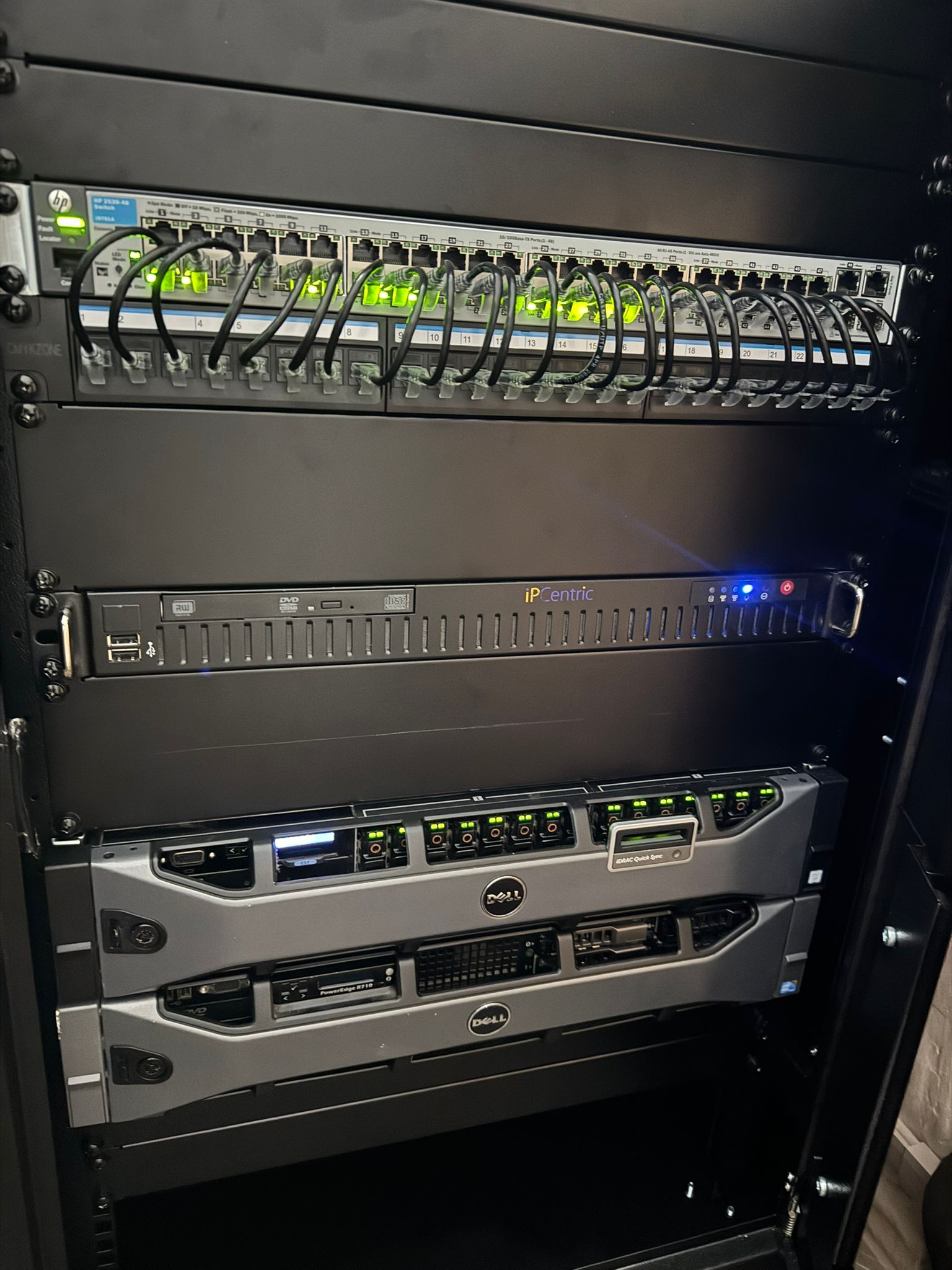
This control panel is being built inside a dedicated internal environment.
Nothing public. Nothing exposed. No unnecessary risk.
- Operating System: Ubuntu 24.04 LTS
- Access: Internal only (not publicly exposed) while in development
- Purpose: Development and testing
This gives full control, isolation, and the freedom to break things safely… which, let’s be honest, is absolutely going to happen.
🔒 Security First – Not an Afterthought
Security isn’t something being bolted on later after a mild panic.
It’s part of the foundation from the very beginning.
The system was configured with:
- A dedicated sudo user (no direct root usage)
- SSH hardened (no password login, no root access)
- Firewall enabled with restricted ports only
- Fail2Ban protection against brute-force attempts
- Internal-only access during development
This ensures the platform is secure before any application code is even deployed.
Because nothing ruins your day quite like securing a system after it’s already been “visited”.
This stage of the custom hosting control panel build focuses on getting everything stable, secure, and ready for future automation.
This phase lays the foundation for the custom hosting control panel build, ensuring everything is stable before moving into application-level development.
⚙️ Core Stack Installed
With the base system secured, the next step was installing a clean, production-ready stack.
Nothing flashy — just reliable components that won’t randomly ruin your evening later.
🌐 Nginx Web Server
A fast, lightweight, and production-proven web server used to serve the application.
Basically: it just works… which is exactly what we want.
🐘 PHP 8.3 (PHP-FPM)
The latest stable PHP version compatible with Laravel.
Installed with required extensions including:
- mbstring
- xml
- curl
- mysql
- zip
- bcmath
- intl
No missing extensions. No mysterious white screens. No guessing games.
🗄️ MariaDB Database
A secure and reliable database engine configured with:
- No remote root access
- No test databases
- No anonymous users
In other words: none of the stuff you forget about until it becomes a problem.
⚡ Redis (Caching & Queues)
Redis is being introduced early so we don’t have to awkwardly bolt it on later when everything already depends on something else.
It will power:
- Background job queues
- Application caching
- Future real-time features
📦 Composer
Used to manage Laravel dependencies and PHP packages globally.
Without it, nothing works. With it, everything works… until you update something.
🧰 Node.js & npm
Installed to support modern frontend tooling such as:
- Vite
- Asset compilation
- JavaScript dependencies
Because at some point, the frontend will absolutely demand it.
For reference, the official Ubuntu Server documentation is available here: Ubuntu Server documentation.
🔧 Supporting Tools
Additional tools installed include:
- Git (version control)
- Fail2Ban (security)
- UFW Firewall
- System utilities (curl, htop, etc.)
Getting the stack installed is one thing.
Making sure it’s secure before anything else touches it is where most people start cutting corners.
We didn’t.
🔐 Hardening the System
With everything in place, the next step was tightening it all down.
This is about reducing risk now — not firefighting later at 2am.
🔐 SSH Lockdown
- Root login disabled
- Password authentication disabled
- Key-based authentication enforced
Only trusted access. No guessing. No brute force attempts getting lucky.
🔥 Firewall Strategy (UFW)
Only essential ports are open right now:
- 22 (SSH)
- 80 (HTTP)
- 443 (HTTPS)
Everything else is blocked by default.
This is deliberate.
At this stage, the system is still evolving — so we’re keeping the attack surface as small as possible.
As new services are introduced later, only the required ports will be opened — nothing more, nothing less.
No “open everything and see what happens” strategy here.
🚫 Fail2Ban Protection
Fail2Ban is active and monitoring login attempts, automatically blocking suspicious activity.
If something starts hammering the server, it gets shut down pretty quickly.
As it should.
🧪 Service Validation
Before moving forward, everything was tested to confirm a clean working environment.
If anything was broken at this stage, now was the time to find out — not three phases later when everything depends on it.
- Nginx serving pages correctly
- PHP-FPM processing requests
- MariaDB accessible and secure
- Redis responding successfully
- Node.js and npm functioning
- Composer installed and working
At this point, the system is no longer “just a VM”.
It’s a fully operational application platform.
Which is both exciting… and slightly dangerous.
🧱 Why This Phase Matters
This phase might not look exciting from the outside — no UI, no dashboards, nothing flashy.
But this is where most projects quietly set themselves up for failure.
By doing this properly, we now have:
- A secure Linux server foundation
- A complete production-ready stack
- Clean project structure
- Proper system configuration
Everything moving forward builds on this.
This is where most people rush.
We didn’t.
Future us will be very grateful for that.
At this point, the custom hosting control panel build has a stable and secure foundation to build on in the next phase.
🔜 What’s Next – Phase 2
With the base system complete, the next step is where things start to come to life.
Phase 2 will include:
- Installing Laravel
- Configuring the application environment
- Connecting MariaDB
- Setting up Nginx for the panel
- Running the first version of the control panel
This is where things stop being “infrastructure” and start becoming an actual product.
📌 Final Thoughts
Every platform starts somewhere.
This is the first real step in building the KR0311 Control Panel — not just as an idea, but as a working system.
Built properly. Built securely. Built to scale from day one.
No shortcuts.
Just a solid foundation… and a lot more work to come.
🔗 Follow the Build
This project is being built step by step as part of the KR0311 Control Panel series.
If you want to follow along:
- 👉 Browse all updates in the Projects & Updates section
- 👉 View every phase in the Control Panel build series
Each phase builds on the last — from infrastructure and provisioning through to a fully functional hosting platform.